
Artists
Turn practice notes, performance clips, concert photos, and rough thoughts into posts that sound human.
Cadenza helps artists, ensembles, labels, agents, and managers decide what to say, what to use, how to frame it, what to cut, what to put on screen, and what to post next.
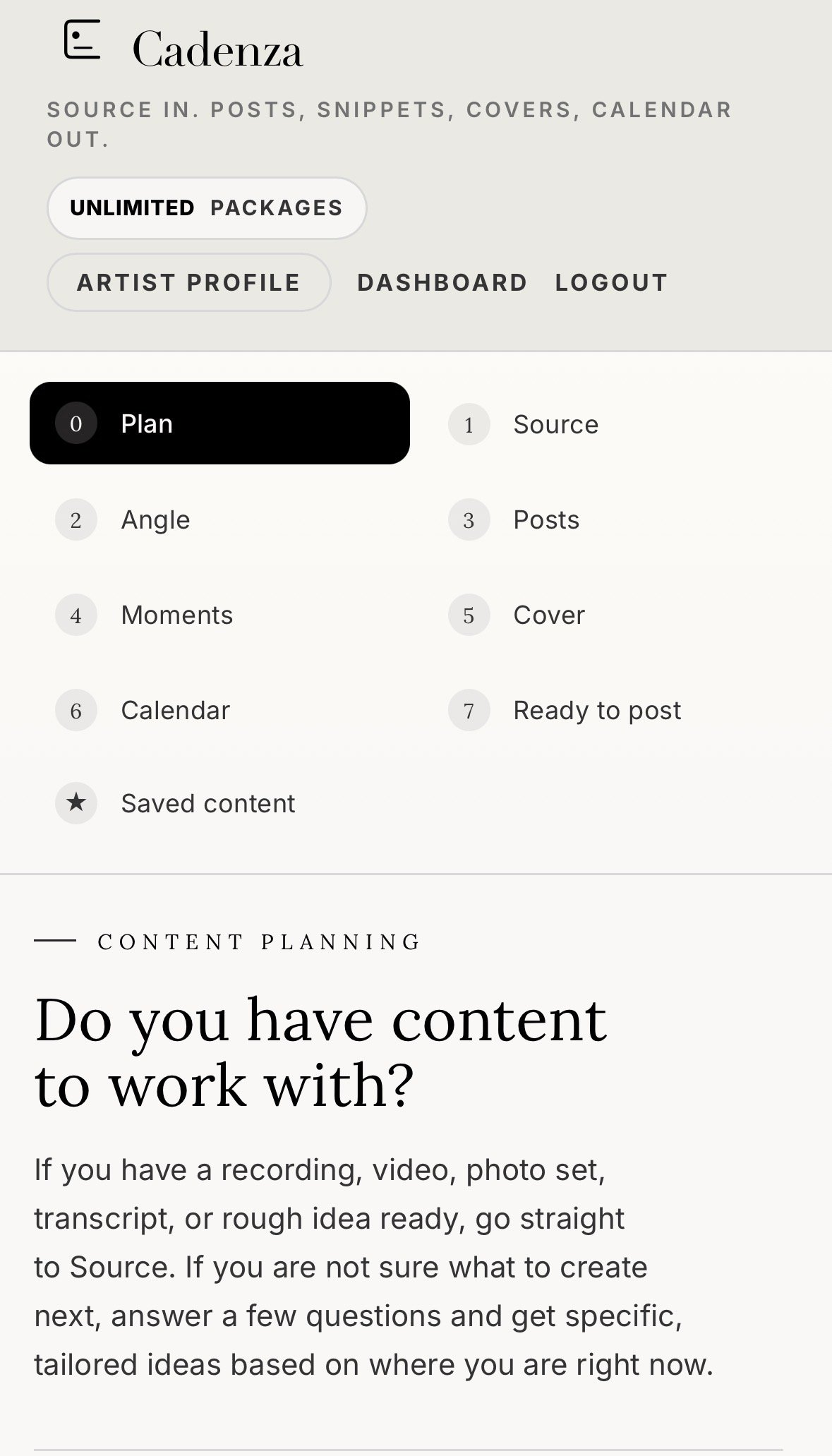
The product starts with source material, then moves through angle, copy, repurpose, cover, content plan, and export.
A tour clip sits on a phone. A link never becomes a post. A release has no clean story. A manager needs copy by tonight. Cadenza gives the material a structure before anyone opens a scheduler.
Plan the idea, add the source, keep the facts close, shape the cover, and leave with clean copy for the platforms you use.
Use it for classical, jazz, contemporary music, singer songwriters, chamber groups, festivals, labels, agencies, and artist managers.
Turn practice notes, performance clips, concert photos, and rough thoughts into posts that sound human.
Prepare platform copy, release posts, story ideas, and follow up content without chasing a blank page.
Shape tour moments, press links, and video excerpts into clean material for artists and presenters.
Turn releases into repeatable posts, short video ideas, tags, captions, and newsletter copy.
Repurpose artist assets, rehearsal notes, venue photos, and programme copy into daily content.
Turn one rehearsal, concert, or recording session into a small run of posts for the full group.
Cadenza is not a scheduler. It is the content production system before the scheduler. It guides a music team from planning to source intake, copy, visuals, content plan, and final export.
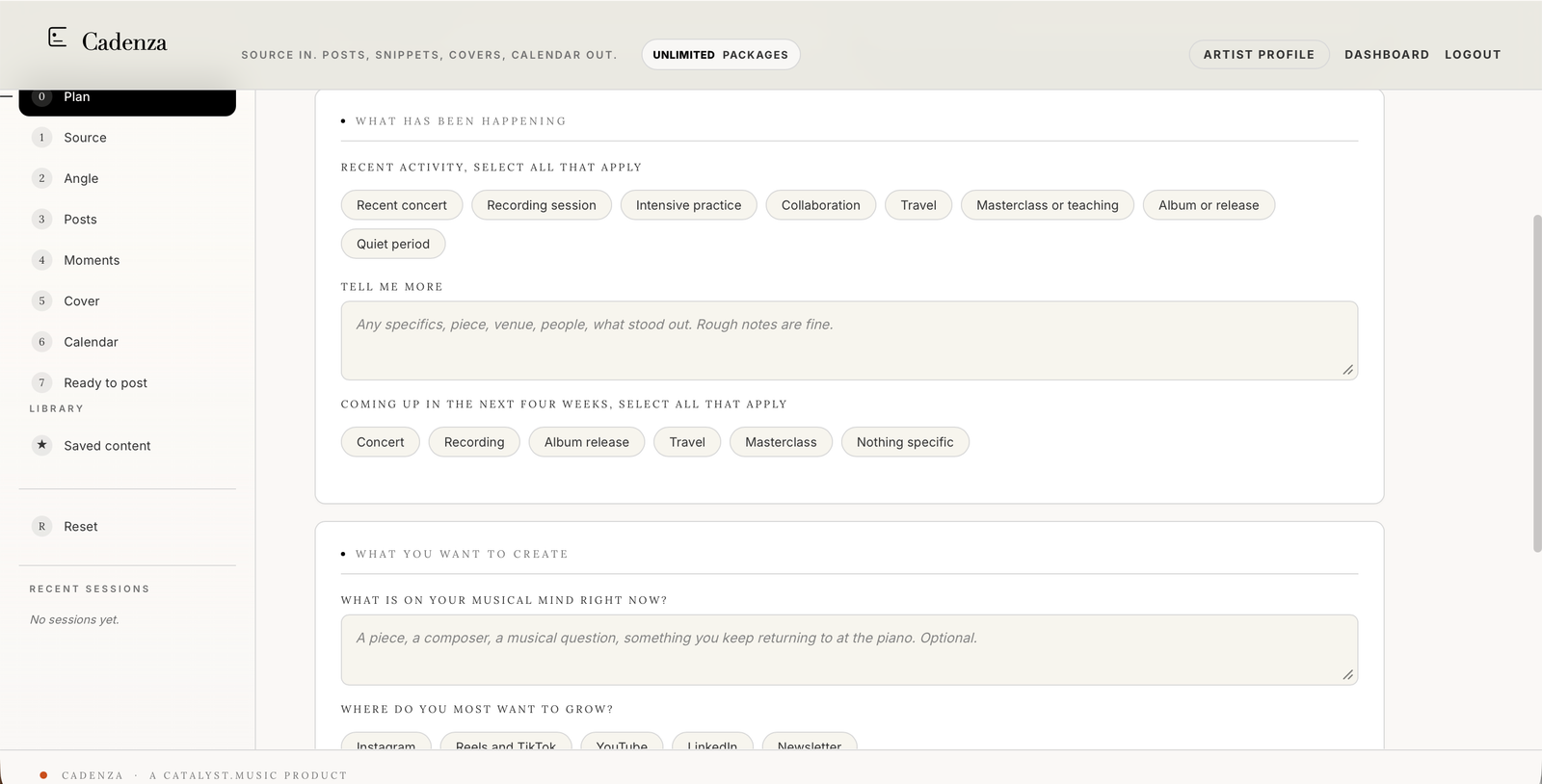
A focused workspace for musicians and music teams. Plan the post, add the source, shape the angle, build the visual, then leave with copy you can actually paste.
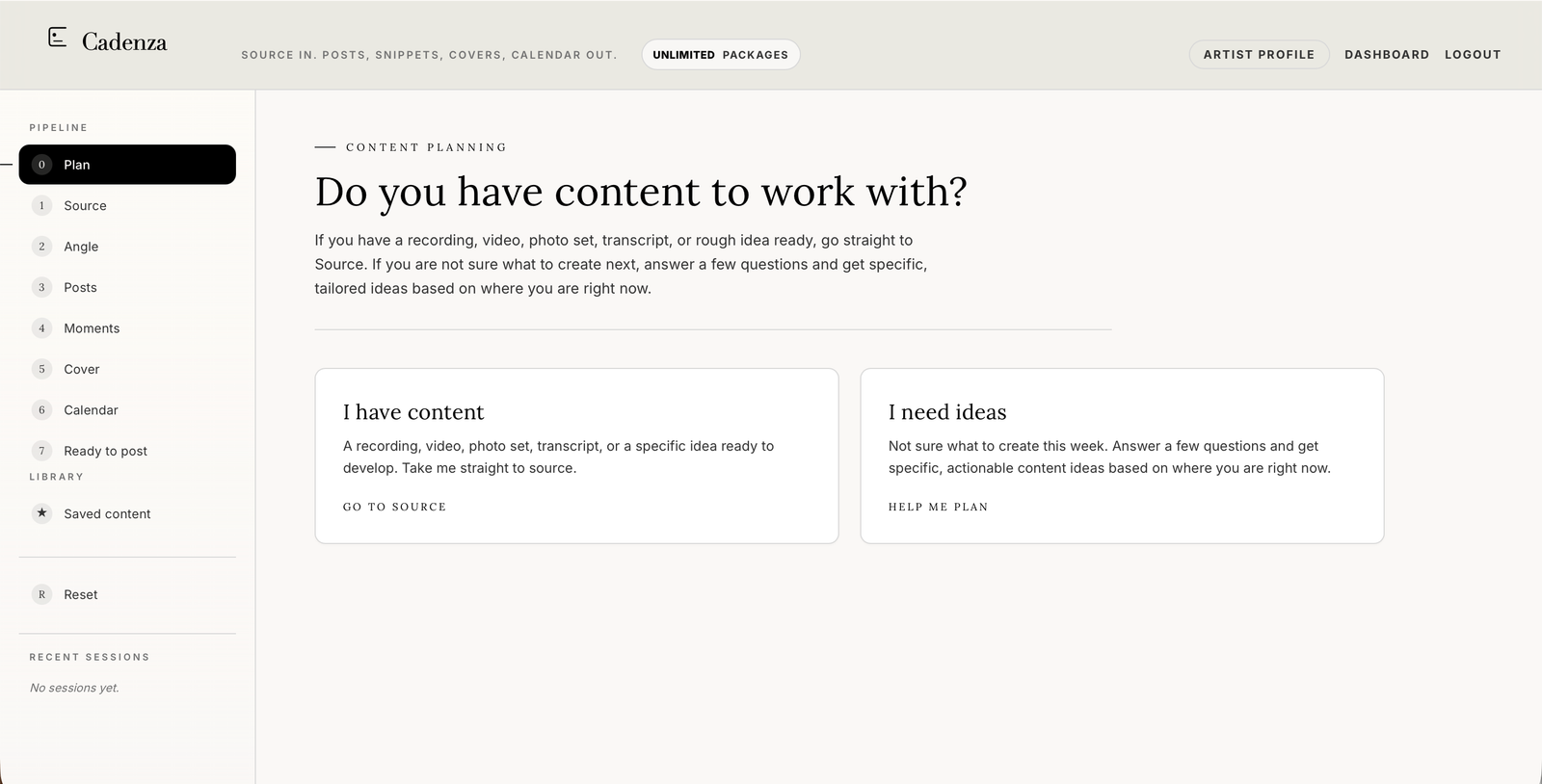
Start with I have content or I need ideas. Cadenza can suggest what to make based on recent work, upcoming events, platforms, and available effort.
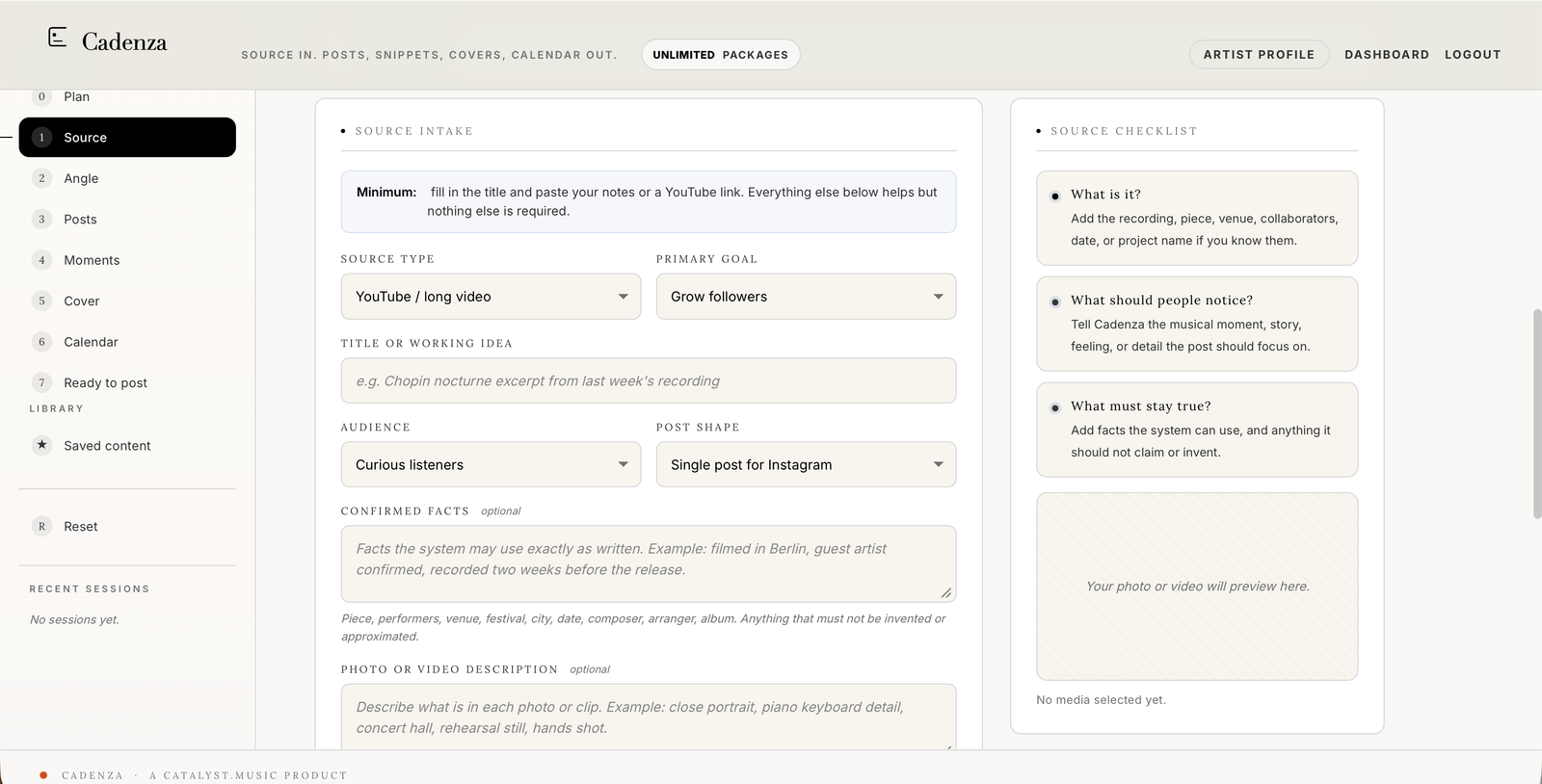
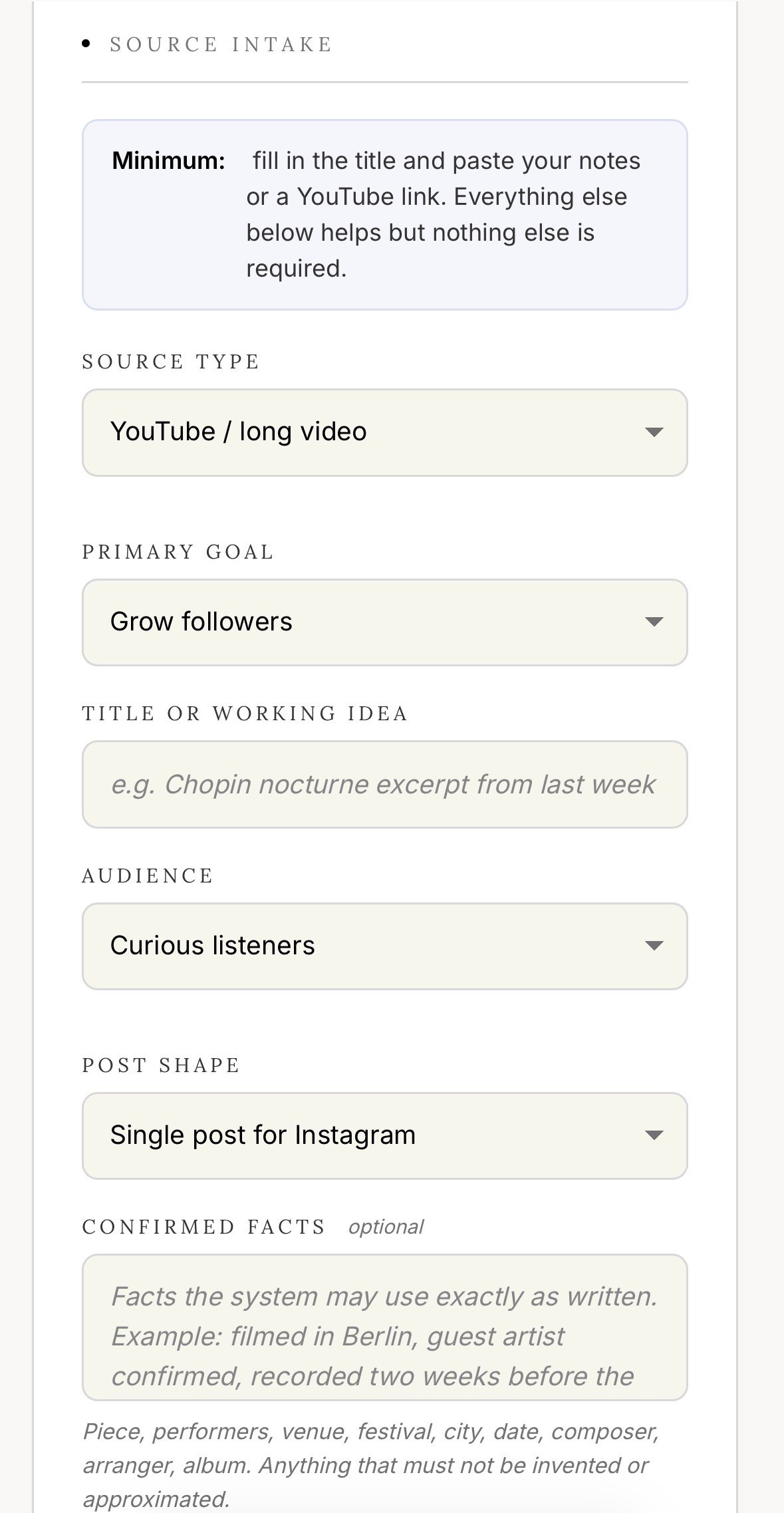
Add a video, link, photo, audio note, transcript, release plan, or rough idea. Keep the facts close to the post.
Save the artist profile, social direction, tone, biography rules, website, recordings, press lines, and things the system must not invent.
Use preloaded albums, collaborators, labels, release years, photo notes, source type, primary goal, audience, and call to action.
Generate Instagram, Reel, TikTok, YouTube, LinkedIn, newsletter, blog, tags, alt text, and pinned comment blocks.
Find usable snippets with use, moment, hook, on screen text, caption angle, and the asset needed for each post.
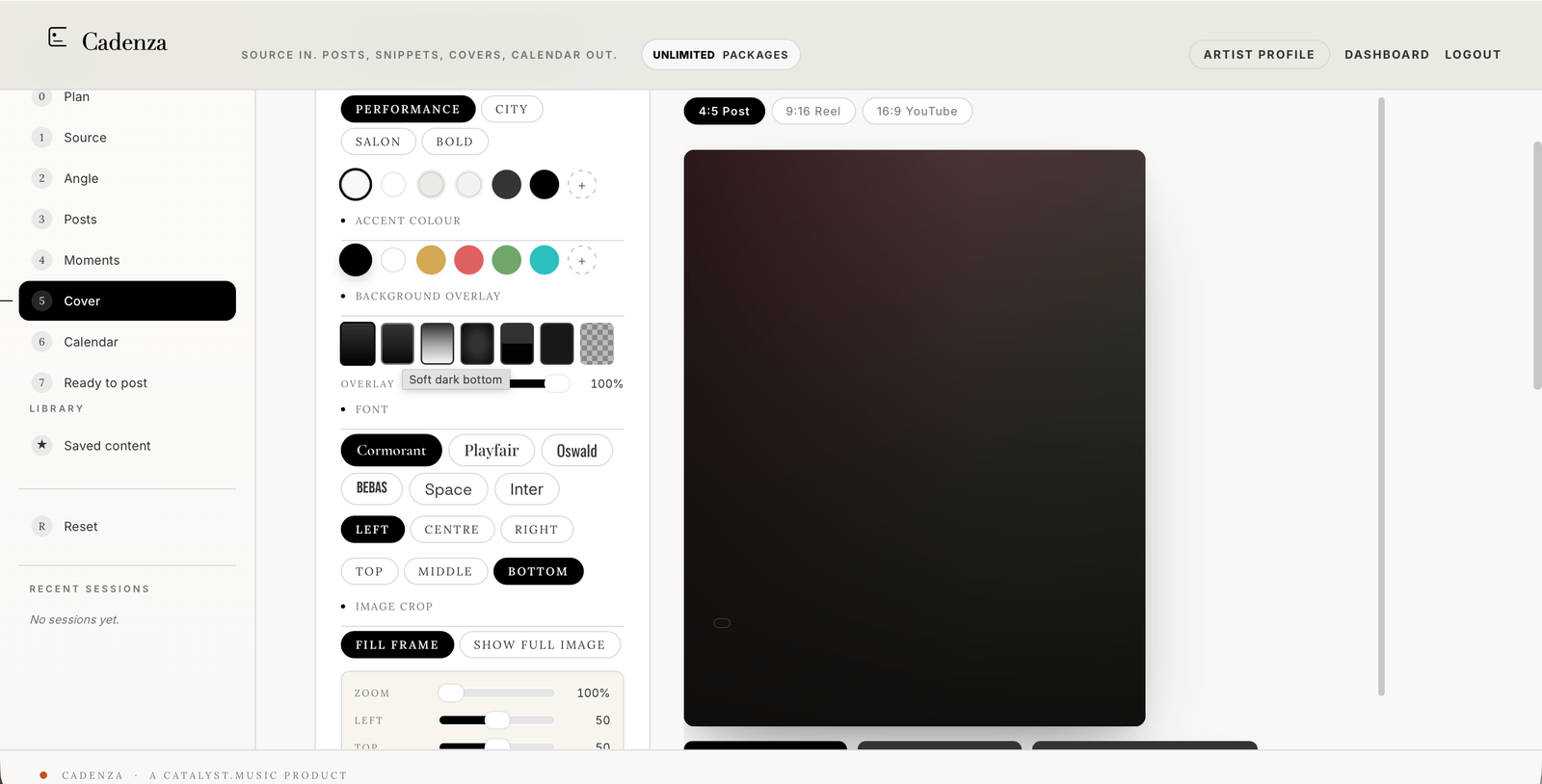
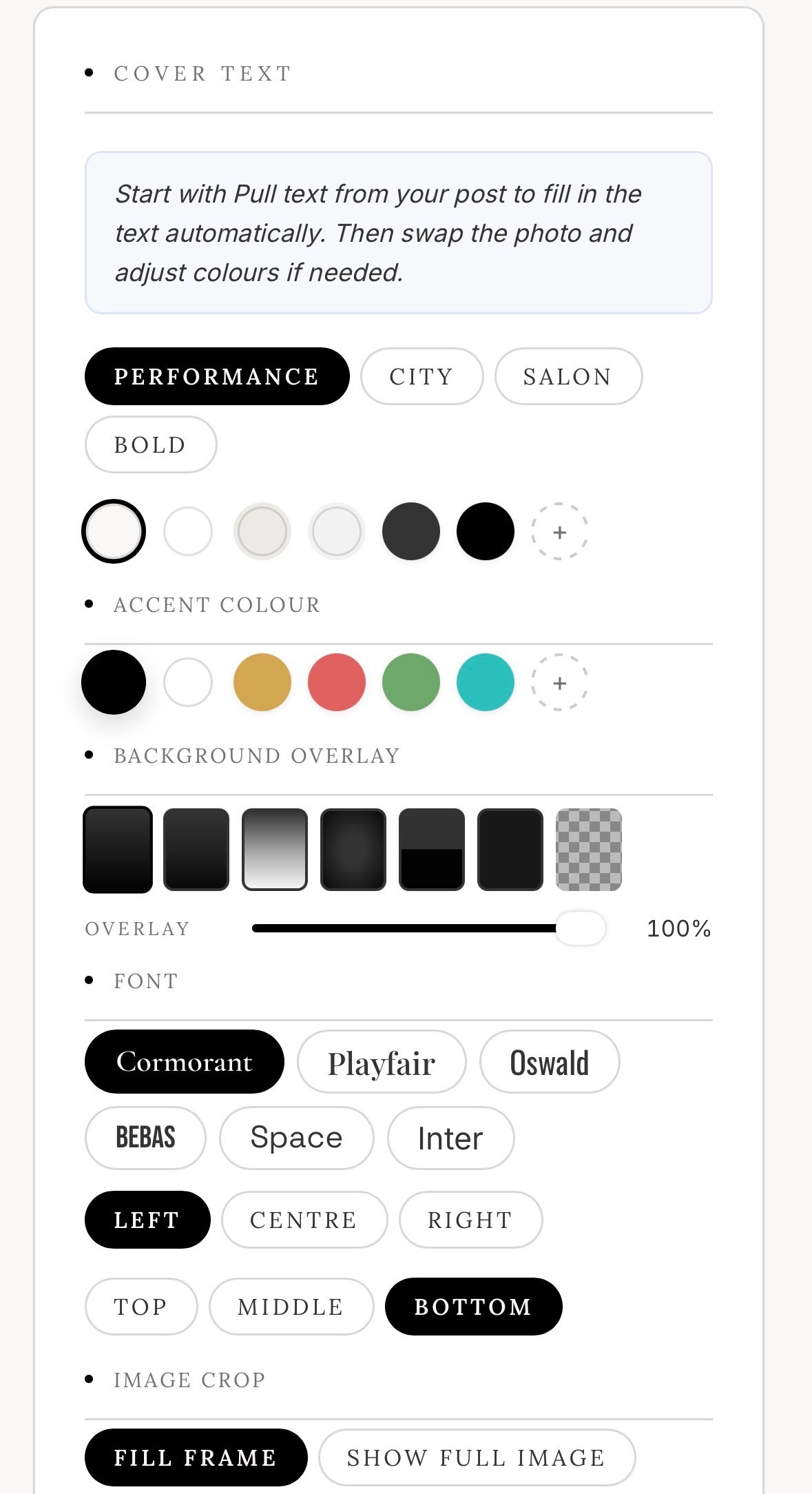
Build covers from real photos or frames. Adjust text, colour mode, position, alignment, and size before export.
Finish with clean copy blocks that tell the user what to post, where to paste it, and what to tag.
Cadenza does not ask users to become marketers. It asks for the material they already have, then turns it into useful output for the places they already publish.
A content package is one complete run from source to export. One package can create several posts, so an active artist can prepare 20 to 50 posts a month without paying per post.
Cadenza can prepare captions, short video ideas, on screen text, cover copy, content plans, platform tags, alt text, pinned comments, YouTube descriptions, LinkedIn posts, newsletter notes, and blog drafts.
Hooks and short moments that make sense to people who do not know the artist yet.
Captions and notes that give existing followers a clearer reason to care.
A cleaner handoff between artist, manager, label, agent, and social person.
A simple plan so one good source can carry more than one post.
Send a clip, a link, a photo, a note, or a release idea. Cadenza turns it into material your team can post.